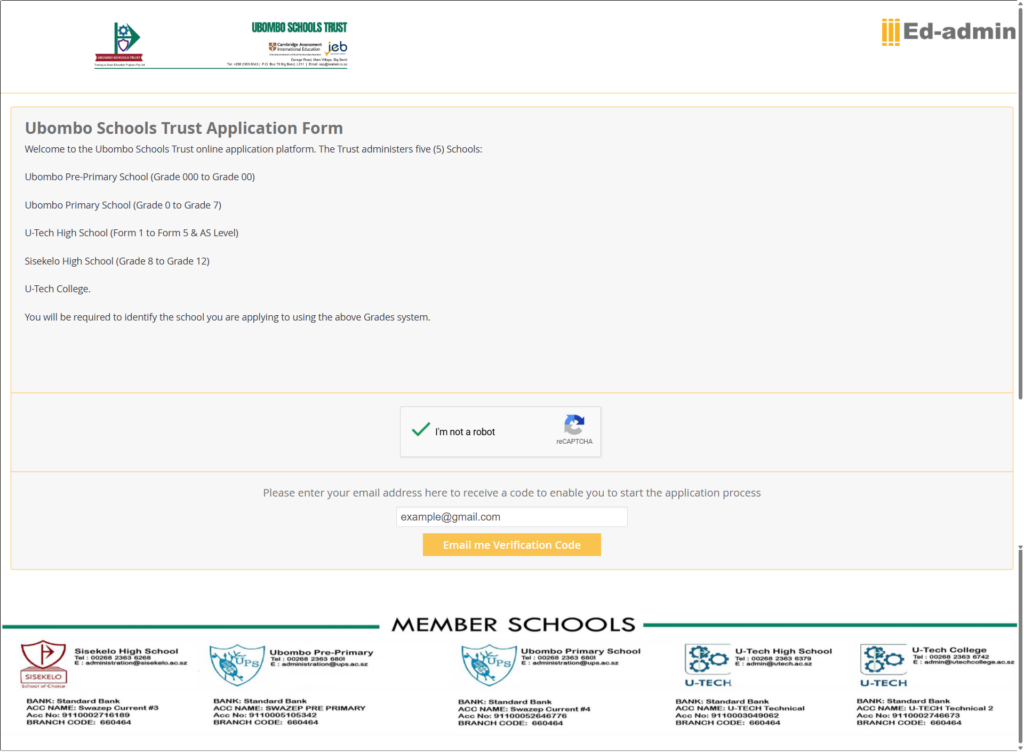
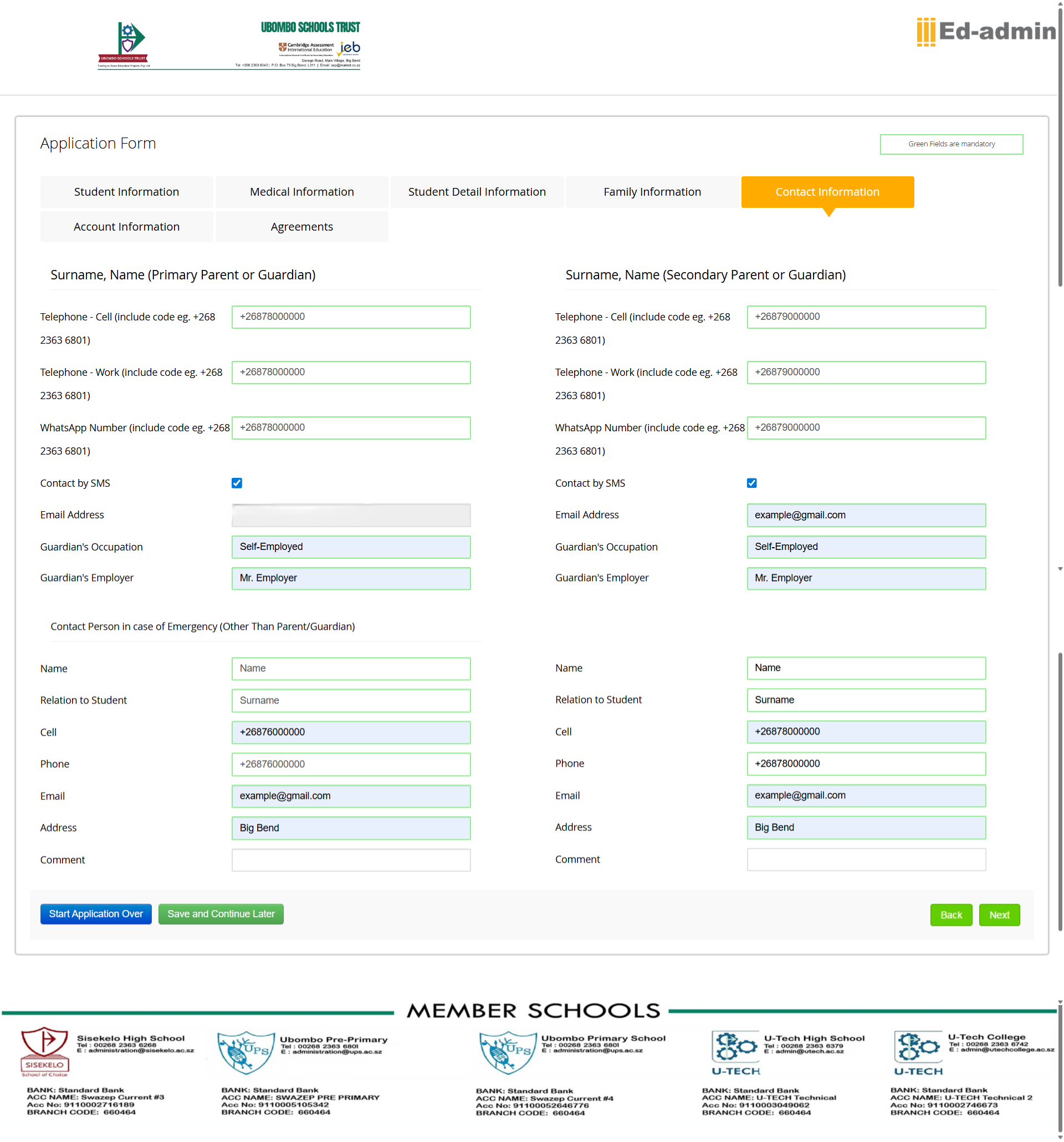
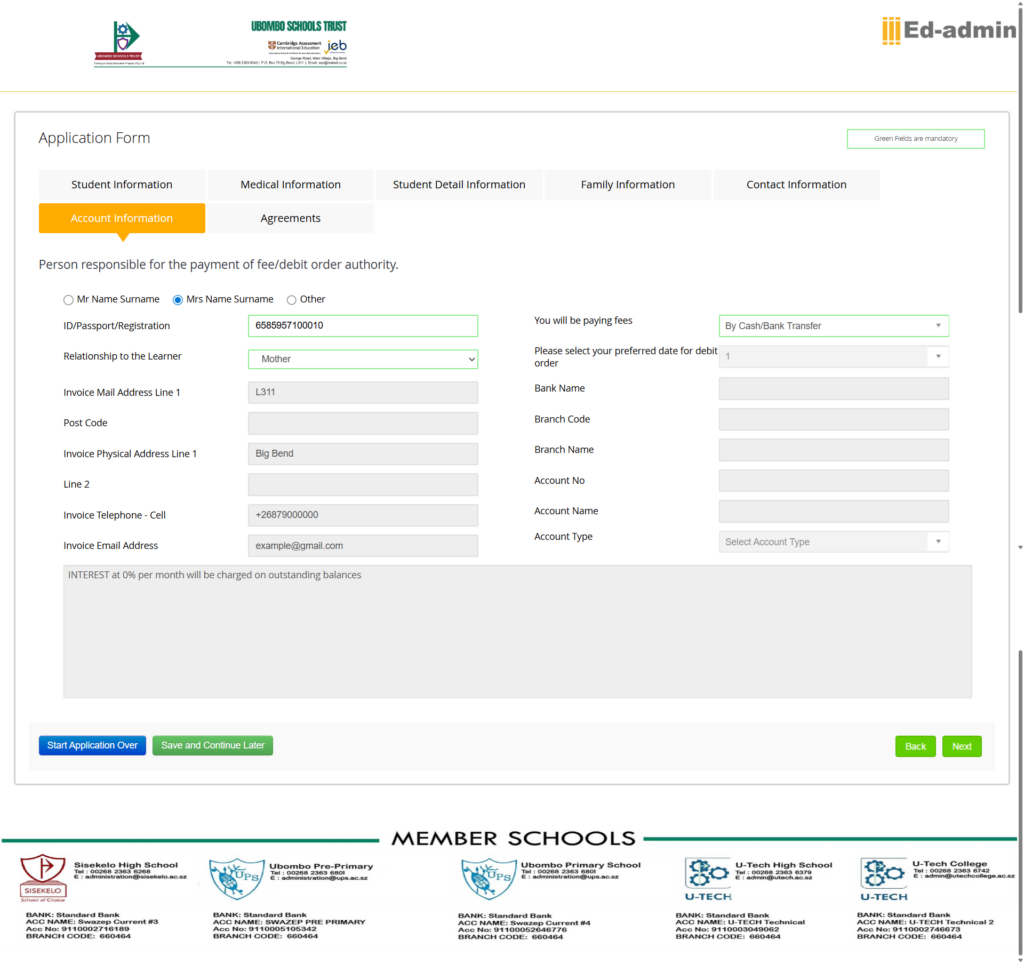
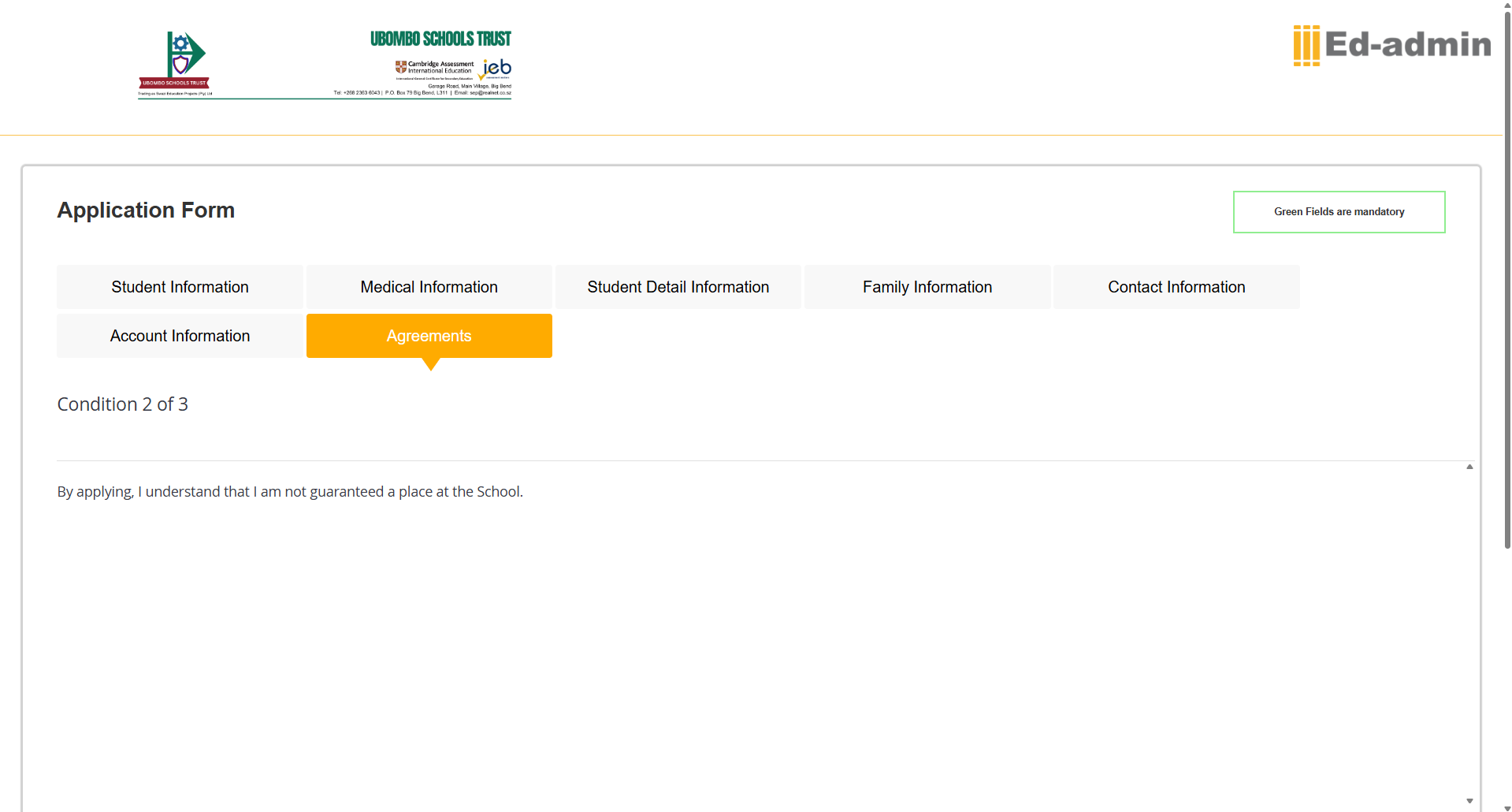
How To Apply Step 1 Complete the reCAPTCHA, Enter you e-mail Address registered with the School. Then click Email me Verification Code. Step 2 Enter verification code that was Emailed to the email address you entered in the first step. Step 3 Fill in the student information.All Green Fields must be completed in order to be able to continue with the application process.Make sure to Choose Ubombo Primary School under Campus.Upload your Potrait image with file size not more than 200kb. Step 4 Fill in the Medical InformationAll Green Fields must be completed in order to be able to continue with the application process. Step 5 Fill in the Family InformationAll Green Fields must be completed in order to be able to continue with the application process.Click Next to Continue Step 6 Fill in the Contact InformationAll Green Fields must be completed in order to be able to continue with the application process.Click Next to Continue Step 7 Fill in the Account InformationAll Green Fields must be completed in order to be able to continue with the application process.Click Next to Continue Step 8 Check the Read and Agreed to box if you agree with the ConditionsClick Next to ContinueDo this 3 times Step 9 Upload attachments with a maximum file size of 5MBs each.Click Upload after selecting the files, to upload the attachments.Attachments should look like the ones on the screenshot.Click Next to Continue Final Step This is the Final Page showing that the Application has been completed Successfuly. Ubombo Pre & Primary School Contact Us Operating Hours:Monday to Thursday: 07:00 AM – 03:00 PMFriday: 07:00 AM – 01:00 PM Follow Us Facebook-f Instagram Youtube Tiktok No. 1 School Road, Big Bend, Eswatini +(268) 2363 6801 administration@ups.ac.sz P.O. Box 79, Big Bend, Eswatini This content is blocked because it would connect to Google Maps.Accept & Load